
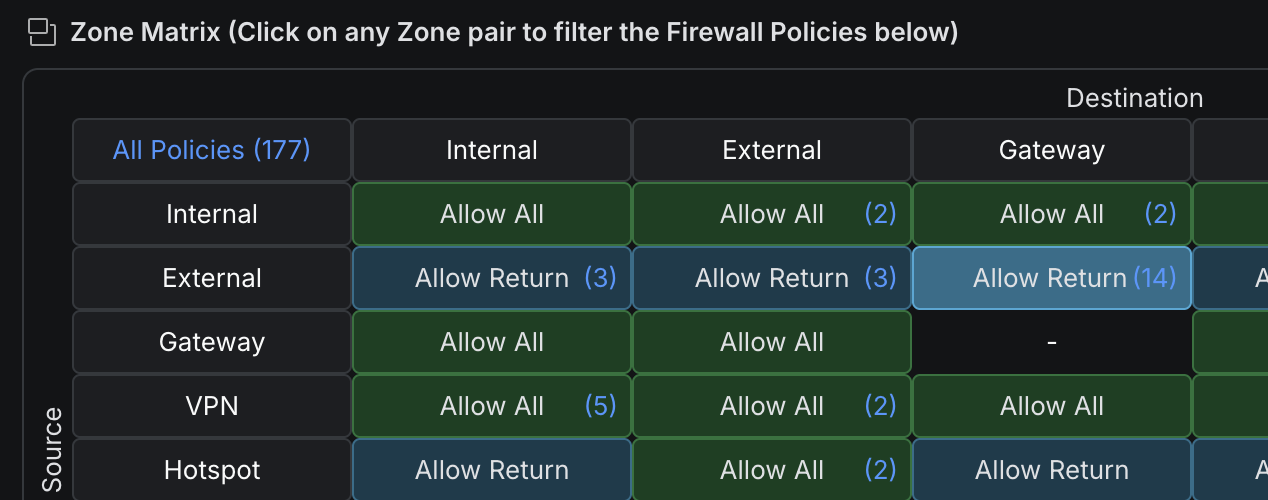
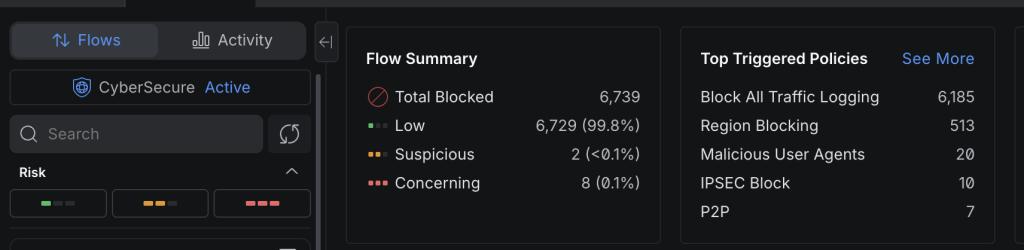
Recently I moved a site from a Unifi Cloud Gateway Ultra to a Unifi Dream Machine SE, while everything went smooth for the most part, there was one weird thing. In the flows section, you used to see all of the blocked / unsolicited connections from the wider internet.
On the SE it seems that it didnt show this for some reason. While this is unnecesary in reality, the blocking is still taking place. For a homelab its just internetsing data to see who, how, what ect is happening and what kinds of requests come in.
There is a really simple way to show this again. You esentially just make a duplicate block all rule.
- Log into your Unifi UDM and go to settings, and select Zones
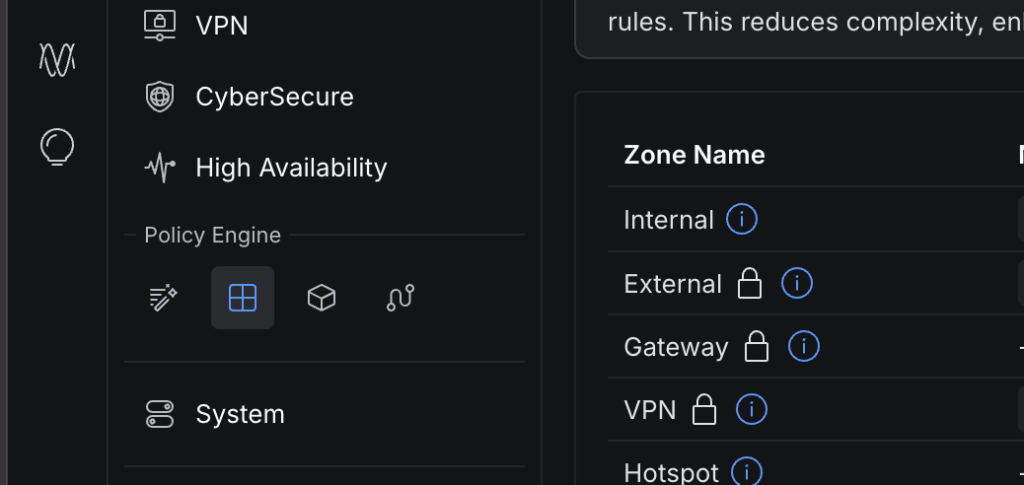
- Next select the External -> Gateway zone
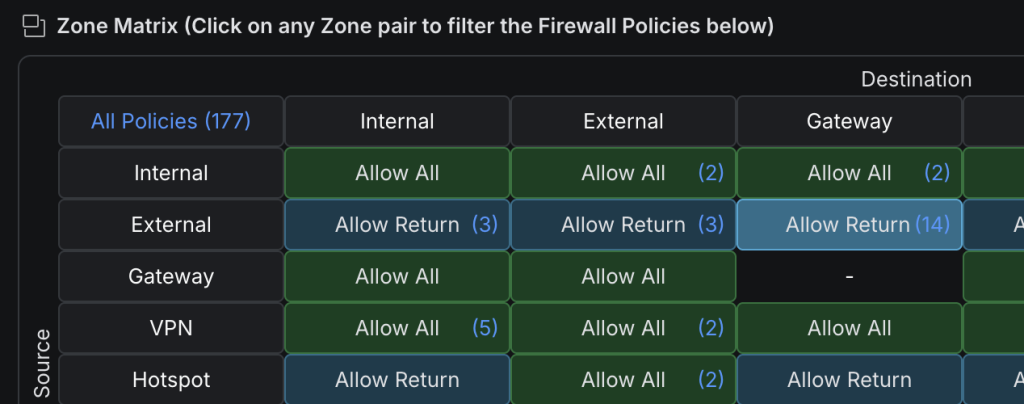
- Now you want to add a duplicate of the very bottom “Block All” rule. Then drag that rule to just above the current “Block All” rule. Making this custom copy essentially just makes the same rule but shows in the logs as it’s a custom rule.

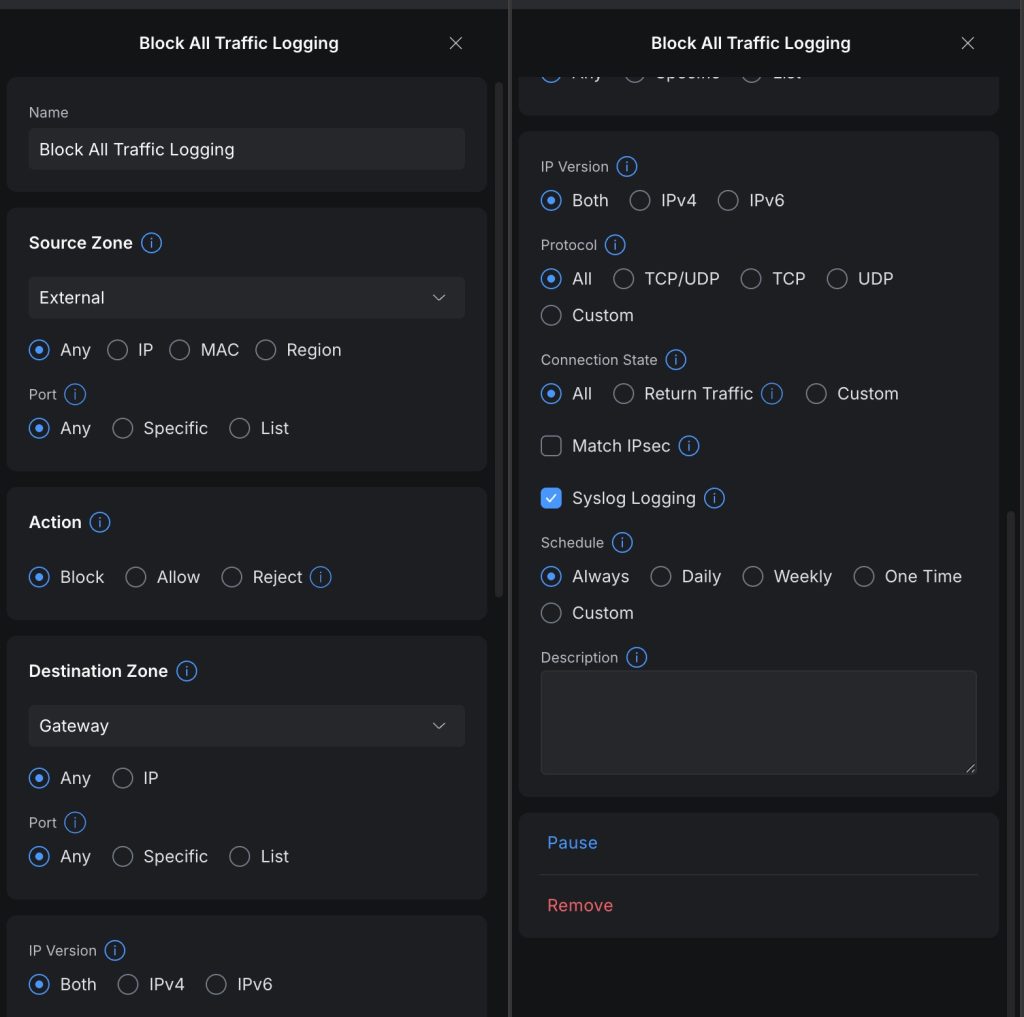
- You should then see that rule being used if there are request coming through, likely if you have a static or dynamic IP.




Recent Comments